Digital profile card
Photo, title, phone, email, address and social accounts on a single page, in your corporate colours and cover image.
Panel
MyCard is more than a card page: it is a panel that manages content, approvals, measurement and inbound requests for the whole team from one place.
Core
What the card shows, who may edit it and how changes go live are defined up front.
Photo, title, phone, email, address and social accounts on a single page, in your corporate colours and cover image.
One tap adds you to the other person's contacts; the details land on the phone as a standard vCard.
Every card carries a QR code pointing to the same address, for devices without NFC or with it switched off.
Manage every employee's card from one panel. Open a card for a new hire, close a leaver's card in one click.
Employees edit their own card and the change goes to an admin for approval, with old and new values side by side.
Company admin, employee and platform admin are separate roles. Everyone sees only their own data.
 Analytics screen
Analytics
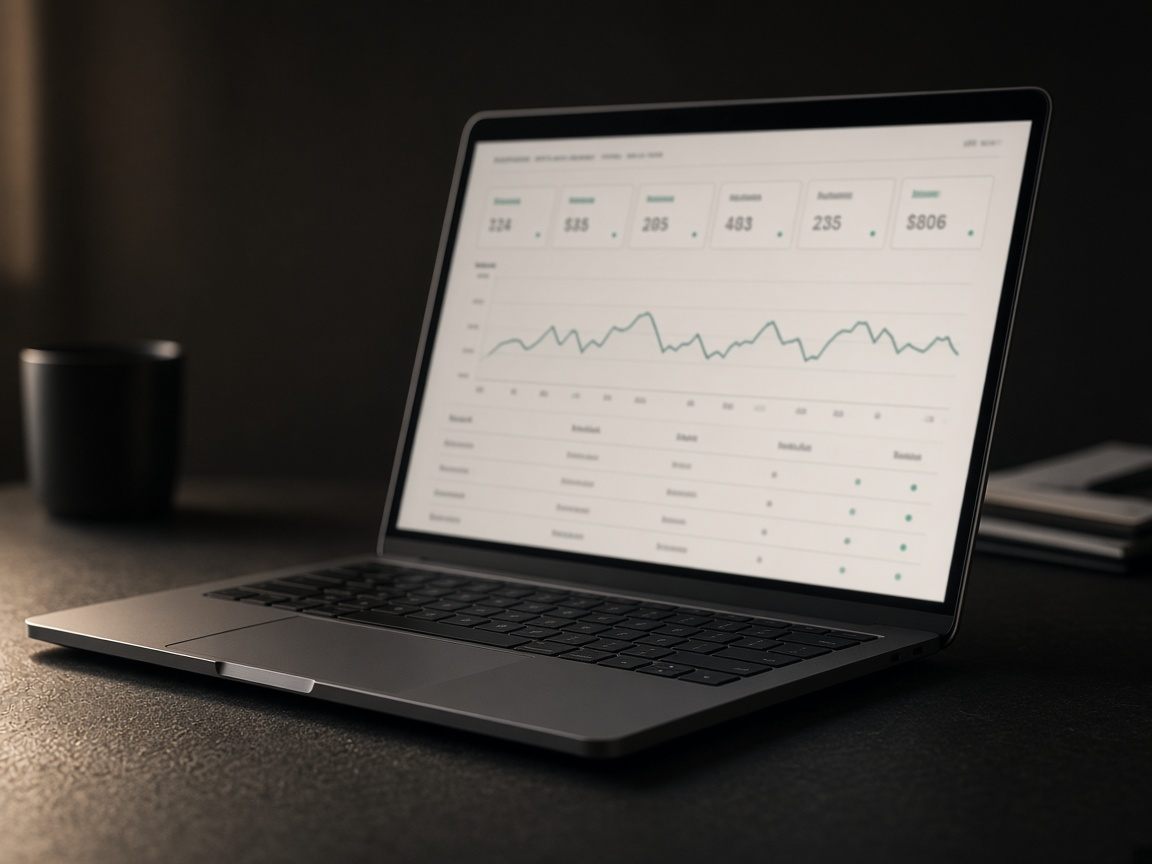
Every view and every button tap is recorded. Because IP addresses are stored hashed, you can count unique visitors without holding identities.
 Meeting table
Leads
The short form at the bottom of the card lets a visitor leave their name and contact details. The record lands in both the employee's and the company's inbox.
Platform
Language, branding, security and auditing are not things you have to set up; they are standard parts of the panel.
Both the panel and the public card are bilingual. You can enter separate translations for title and bio.
Primary, secondary and accent colours, logo and cover image are yours. The card reads as an extension of your identity.
Company data is isolated per tenant, sessions can be revoked instantly and IP addresses are stored hashed.
Who changed what and when: every action on a card, employee or company is recorded.
Mobile app
Everything you do on the desktop is also in the app. Cards stay current while the team is on the road; if an NFC tap opens the app, the visitor never falls back to the browser.
In a twenty-minute screen share we will walk you through a sample company set up with your own data.